Time
Days 1 and 3: 4–8 PM. Day 2: 4–9:30 PM — Riyadh time.

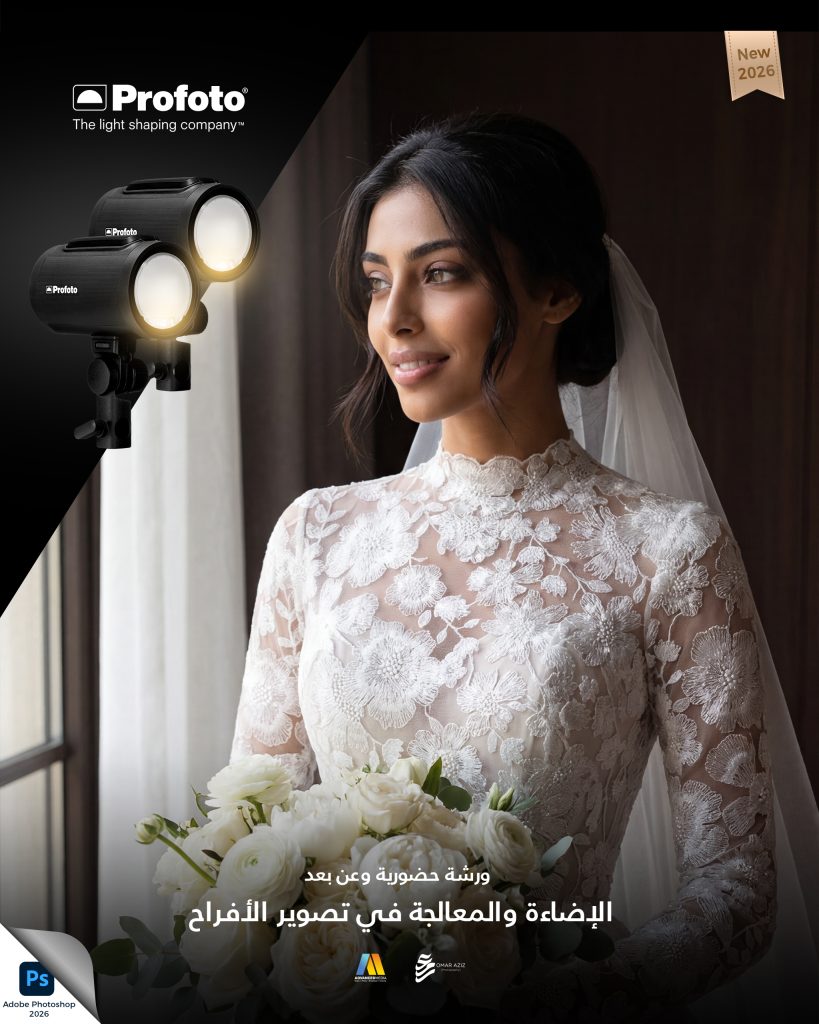
GROUP WORKSHOP
23–25 November 2026
Three days of photography theory, practical lighting and digital retouching.
1,750.00 Online only — 45%962.50
Request registrationYOUR EXPERIENCE
Days 1 and 3: 4–8 PM. Day 2: 4–9:30 PM — Riyadh time.
Jeddah: days 1 and 3 via Google Meet. Day 2 in the studio or via interactive Google Meet broadcast. Same price for either option.
Women; beginner to intermediate. Suitability is reviewed before confirmation.
Day 2 includes model practice. Bring a camera and empty memory card; a 24–70mm or similar lens is recommended, not mandatory.
Attendance certificate sent when ready.
THE PROGRAMME

Workshop programme
The programme combines lighting and digital retouching with a third focus on professional practice.
It also covers selected principles of managing a commercial photography business.
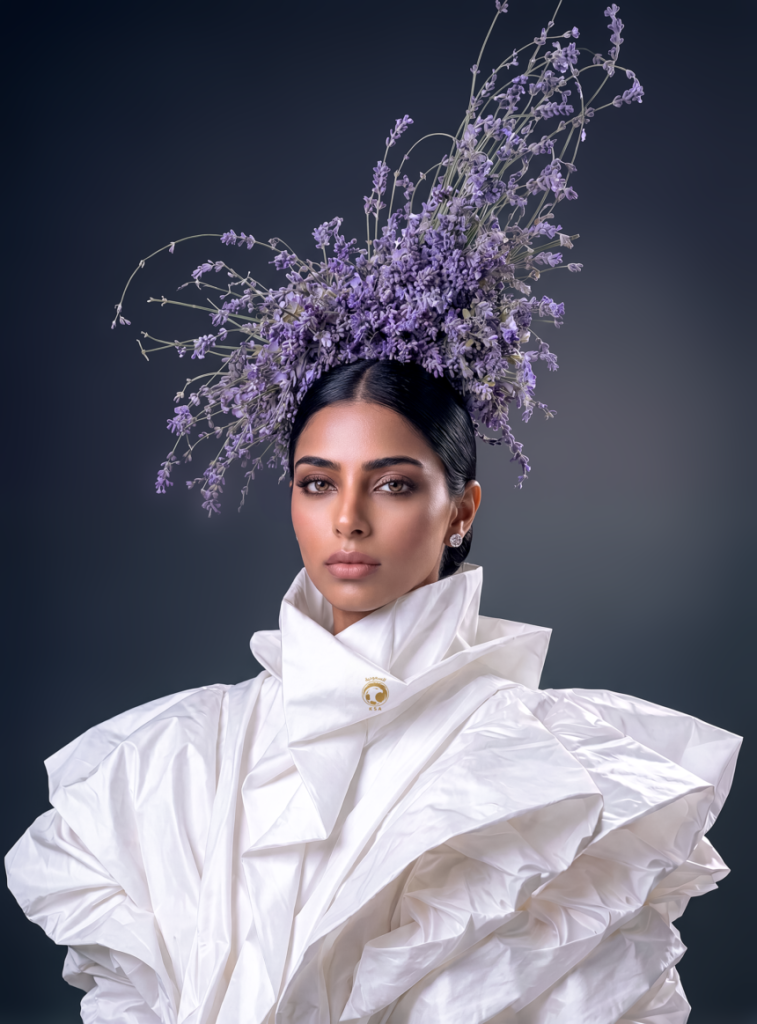
Understanding wedding photography
Day one — programme
1. Building sustainability in photography
Understand sustainability and its impact on photography practice. Explore ways to reduce waste, use resources and equipment efficiently, and build a sustainable business that balances creativity with environmental responsibility.
2. Essential equipment for weddings and events
Review cameras, lenses, lighting and audio equipment, and learn to choose a suitable kit for the event, lighting conditions and location.
3. Organising the photography team
Allocate roles among assistants, lighting technicians and second photographers, with a clear approach to time management and an efficient shoot-day workflow.
Day one format
ONLINE
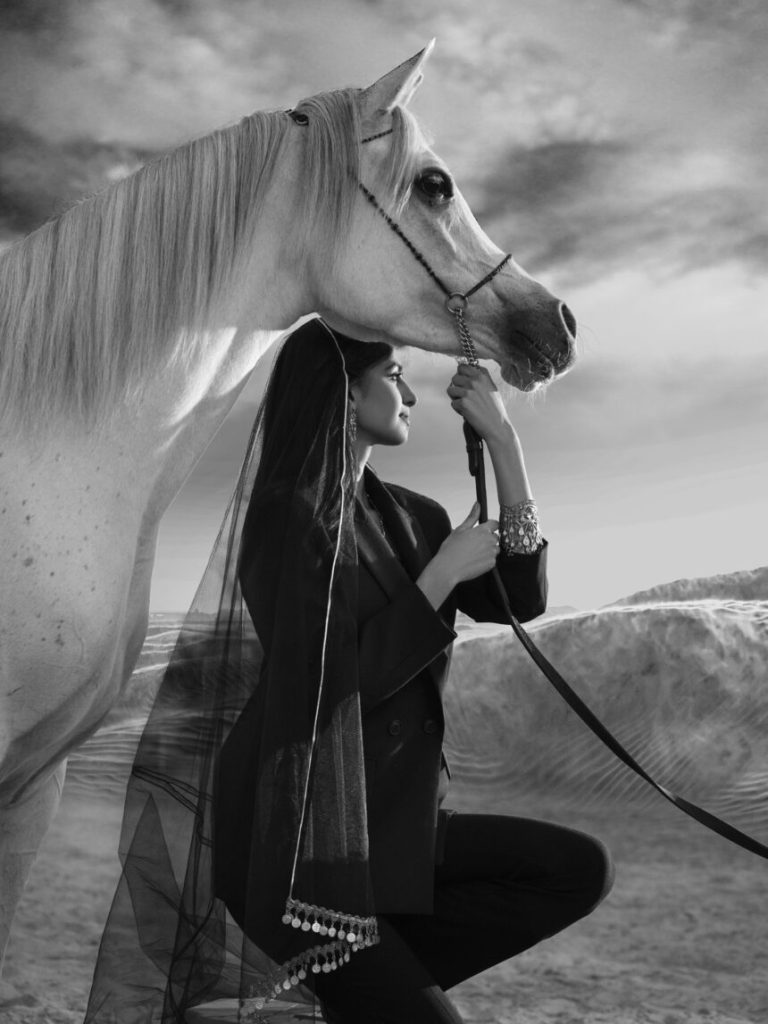
Wedding lighting
Day two — programme
1. Recognising the look of natural and artificial studio light
Understand the visual differences between outdoor ambient light and lighting equipment used indoors, and how to use each to create flattering, realistic images.
2. Setting the right exposure for the venue
Read ambient light and choose exposure settings that balance overall lighting with the details in the scene.
3. Controlling camera settings during events
Use shutter speed, aperture and ISO effectively for indoor venues and evening events.
4. Blending flash with ambient light
Combine flash and venue lighting for a natural, consistent result without harsh shadows or distracting reflections.
5. Single-light and multiple-light setups
Explore key, fill, rim and background lighting, and learn how to use one or more lights to create a balanced image.
6. Advanced lighting for perfume, incense and soft veil effects at weddings
Explore precise lighting techniques that present perfume, incense and other wedding details with an elegant finish.
Day two: in person or online
Practical photography and lighting with a model.

Wedding retouching
Day three — programme
1. Introduction to Adobe Photoshop 2026 retouching
Learn current techniques for efficient, professional retouching in Adobe Photoshop, with a focus on photography tools.
2. Retouching with Camera Raw
Explore the Camera Raw interface and essential tools for exposure, contrast and colour adjustments before detailed retouching.
3. Correcting distortion and uneven shapes
Apply visual corrections for lens and camera-angle distortion while preserving balanced compositions and natural-looking subjects.
4. Retouching hair and skin
Learn precise techniques to smooth skin and improve hair while preserving natural texture and avoiding excessive retouching.
5. Colour correction and visual consistency
Understand colour relationships and correction techniques, including Color Balance and Selective Color, to create a harmonious image.
6. Saving and exporting for print and social media
Choose export settings for high-quality printing or digital display, and understand differences in file formats and colour handling.
7. AI removal techniques
Explore Photoshop’s AI tools to remove unwanted elements and correct imperfections efficiently, speeding up your professional workflow.
8. AI retouching for wedding photographs
Learn to process batches of wedding photographs with AI, from exposure and colour correction to tools that streamline your workflow while maintaining accuracy and quality.
Day three: online retouching workshop

Schedule
Days one and three run from 4:00 PM until no later than 8:00 PM.
Day two ends at 9:30 PM to allow time for practice with the model.
A new or empty memory card
Bring a new or empty memory card for the practical session, to avoid displaying private images from earlier shoots when reviewing results and to keep your photographs organised safely.
Camera and lenses
A zoom lens such as a 24–70 mm, 24–105 mm or 24–120 mm is recommended, but not required. You may attend without one, and a full-frame camera is not essential.
Submit your details for review and payment arrangements. A request does not confirm a seat or collect payment.
Unified terms for our workshops. Audience, practice and certificate details are specified in each workshop.
Minimum age: 17. All nationalities are welcome. Teaching is in Arabic. Each workshop specifies its audience and required level. Unregistered companions are not permitted.
Submitting a request does not confirm a seat. The organiser reviews suitability and provides payment instructions. Full payment is required for confirmation.
Payments are non-refundable after three days from payment. Check your availability before registering and contact the organiser about refund requests within this period.
An emergency preventing attendance permits one transfer to a waiting list for the next workshop selected by the organiser. Missing the second opportunity cancels registration and requires a new booking and payment.
Four confirmed participants are required. If fewer register, the workshop may move to the following month in coordination with participants, without additional fees. Force majeure may lead to postponement for one week to four months or a move to Google Meet, with participants notified.
Remote sessions take place on Google Meet. A stable internet connection and a device with suitable audio and video are required. Joining links are coordinated with registered participants. Hybrid workshop cards specify online and in-person days.
Phone recording is for personal learning only. Sharing training recordings or content requires written permission. Participants retain rights to their own photographs; published practice images must be identified as workshop photographs and credit all participating crew members.
Each workshop specifies its audience, practice format and certificate availability. Practice is educational and the instructor allocates time based on group size. Individual practice or a certificate is not included unless stated in the description.
Included digital materials are delivered by links valid for 30 days from sending. Download and retain them during this period; re-delivery after expiry is not guaranteed. Personal non-commercial use only; sharing, resale and redistribution are prohibited. Training fees exclude paid external tool licences and subscriptions, purchased directly under provider terms.
Respect the instructor, participants, crew and venue. Abuse may result in removal without refund and referral to the relevant authority.